
EVpro Blog · · EVpro Marketing
A useful service page makes it easy to verify three facts. What work does the company handle? Where does it work? What should the homeowner do next? Put the answers in the page text. Support them with examples that reflect how your team actually works.
Write a specific opening
An opening should name the service, state the relevant area, and explain how to contact the company. Check every claim with the owner or dispatcher. If weekend service depends on staffing, explain when someone can confirm availability.
Here is a fictional example for a garage door company:
We repair residential garage doors in [verified service area]. Call our office with the door’s symptoms and ZIP code so we can confirm service availability. If you are comparing replacement options, request an estimate and tell us the opening size if you know it.
This opening answers a different question from a headline like “Trusted Local Experts.” It identifies the work, gives the customer an action, and sets an expectation about what happens on the call.
Use sections that answer real questions
| Section | Include | Verify with |
|---|---|---|
| Services and limits | The work you accept, equipment you handle, and requests you refer elsewhere | Technician or owner |
| Area covered | Cities or ZIP codes your crews can realistically reach | Dispatcher or booking team |
| What happens next | The intake questions, visit, quote, or scheduling process | Office manager |
| Example job | A documented issue, the constraints, and what your team did | Technician notes and approved media |
| Common questions | Pricing factors, access requirements, and realistic timelines | The people who answer these questions daily |
Keep the answers close to the decisions they support. For example, the repair page can say how the team confirms whether it handles a particular door type. A replacement guide can explain what changes the estimate, such as size, construction, or access. If a price depends on inspection, describe the reason and what the dispatcher can tell the customer before a visit.
Add proof that a reader can understand
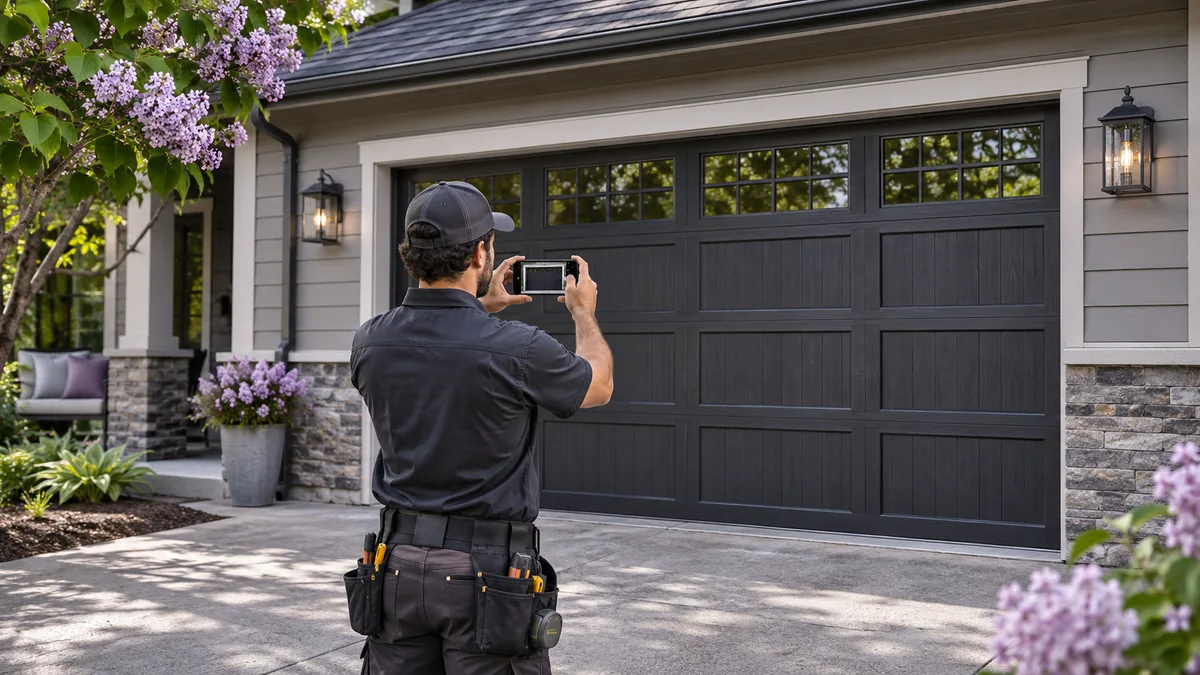
Choose a photo or project example that illustrates something meaningful. A photo of a finished installation can help if you explain why the team selected that option or what made the job unusual. Ask for permission to use client material. Remove addresses, faces, or identifiers when your permission does not cover them.
Use meaningful alternative text when a photo adds information. Put the key point in the surrounding copy as well. A visitor who cannot see the image should still understand what the page is trying to explain.
If you prepare a sample to show the structure, label it as an example. Keep claims about prices, certifications, response times, and outcomes tied to records the business can verify.
Connect the page to useful next steps
Link to the contact or estimate page with an action that matches the visitor’s situation. Add a link to a related guide where it answers a follow-up question. For a customer who wants to know what to check before hiring, a short educational guide can help. The main service page should remain the place to understand the offering and request the work.
Review the business details against the public profile and contact page. If a crew covers several areas, use the actual list instead of adding cities the office cannot reliably schedule.
Compare a generic page with a finished example
Use this fictional before-and-after review with your own service and staff. It shows the type of revision you can verify before publication.
| Element | Before | After |
|---|---|---|
| Opening paragraph | “High quality service at affordable prices.” | Names the residential door types the company handles and how to confirm availability. |
| Coverage | “Serving the metro area.” | Lists verified areas the office can schedule and explains exceptions. |
| Proof | Stock photo with a generic caption. | Approved project photo with a short explanation of the access or fit problem the team handled. |
| Next action | One vague “Learn More” link. | A phone action for a service call and a separate path for a replacement estimate. |
| Questions | Broad questions repeated across every page. | Answers about visit preparation, equipment, and factors that affect an estimate. |
Give the dispatcher the revised page and ask them to answer three recent customer questions using the information on it. If they cannot find a fact in the page, add it where it supports a decision. If the office gives a different answer from the page, verify the fact before publishing either one.
Decide when to split a page
A separate service page earns its place when it answers a distinct request. Residential garage door repair and a new installation often need different intake questions and next steps. If the same team, scope, details, and action apply to two terms, a single well-labeled page may serve both. Build only what the business can keep accurate.
Keep a short record of the date you checked the service area, hours, and photos. Review those details when crews, equipment, or booking hours change. A maintenance checklist helps avoid leaving a useful page with stale information.
Review before publishing
Open the page on a phone and try to find the phone number, confirm a service area, and locate the next step. Check that headings appear in a logical order, links send people to the right page, and important answers remain available without opening a widget. Verify the final URL in Search Console if the page is intended for Google Search.
Google’s AI features guidance recommends keeping important information available in text and making pages easy to find through internal links. Apply those checks to a service page people already use before building copies for new markets. EVpro’s Website Design and Development, Local SEO, and AI Search Optimization teams can help review that page.
Learn more about EVpro’s work with home service businesses on the EVpro Marketing homepage. For a related next step, see the AI SEO, GEO and AEO guide.